AI Rep Counter for Strength Training
Prop up your phone, choose a lift, and let Spotter count clean reps while you focus on the set instead of tapping a screen or guessing later.
Free to start · No credit card · Works in your browser
Best for: For solo lifters, home gym users, and anyone who wants automatic workout rep tracking without extra hardware.
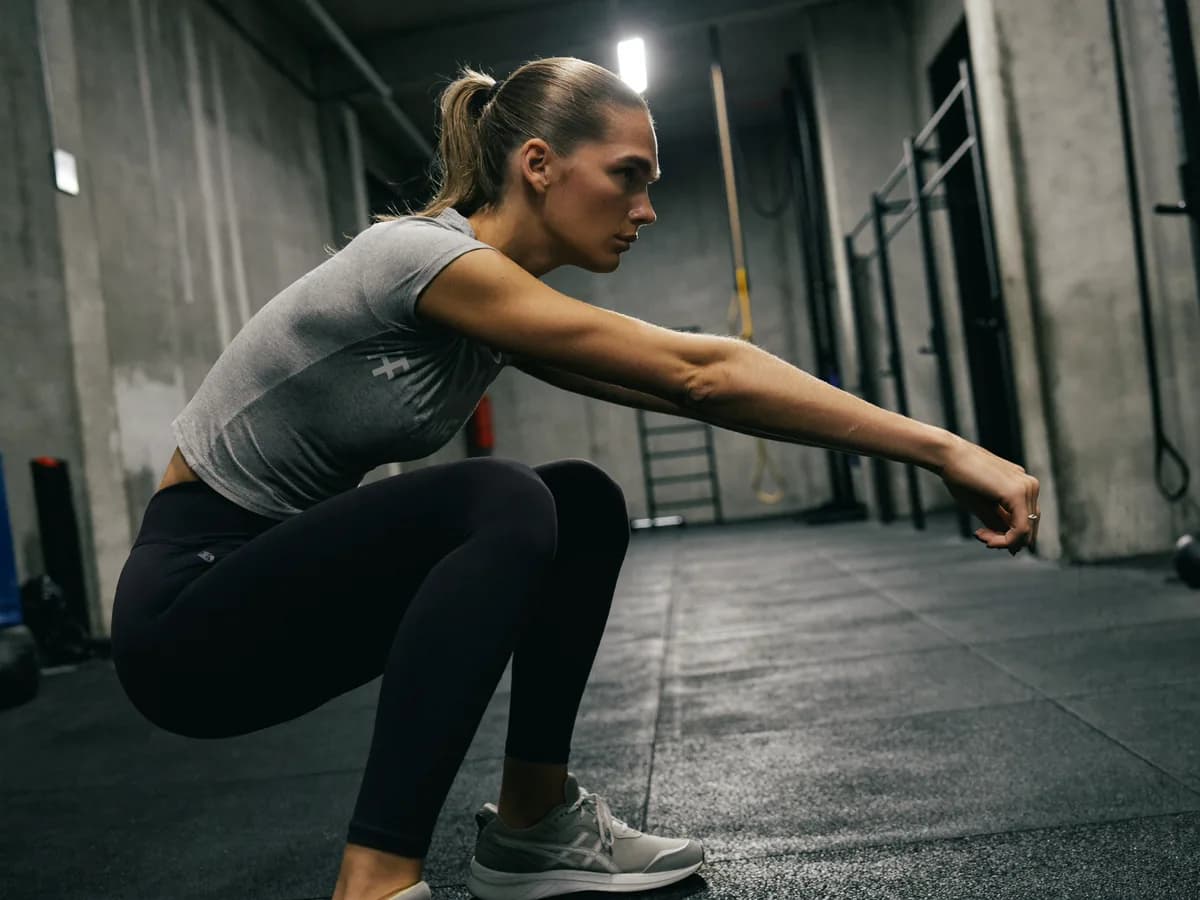
What Spotter checks
What this helps you do
- Count reps during push-ups, pull-ups, squats, presses, rows, curls, and more supported movements.
- Keep cleaner set records when you are training alone and do not want to interrupt the workout.
- Use live browser-based tracking without a wearable, clicker, or manual notes between every set.
How it works in a real set
Pick the lift
Start with a supported movement or type the closest exercise variation before the set begins.
Set the camera
Place your phone where the key joints are visible so the rep counter can follow the movement path.
Train normally
Spotter tracks the rep pattern in real time and keeps the count focused on completed reps.
Review the set
Use the saved count and feedback to compare sessions and make the next set cleaner.
Common problems to watch for
Partial reps
Short range of motion can look like movement without meeting the completed-rep threshold.
Bad camera angle
If the camera cannot see the joints that define the lift, rep detection gets less reliable.
Rushing the bottom
Bouncing quickly through the turnaround can make tempo and depth harder to judge.
Spotter provides training feedback for supported movements; it is not a medical assessment or a substitute for qualified coaching when pain or injury is involved.
AI rep counter questions
Can Spotter count reps automatically?
Yes. Spotter uses browser-based computer vision to count reps for supported exercises when your camera angle shows the movement clearly.
Do I need a wearable or sensor?
No. The rep counter runs from your phone or webcam camera, so you do not need a watch, clicker, or external sensor.
Does the video leave my device?
Core camera analysis runs on-device in the browser for supported flows, so the workout video does not need to leave your phone for rep counting.
Set your phone down. Start lifting.
Try your first workout free — no credit card.