Pull-Up Rep Counter for Bodyweight Training
Spotter helps count pull-ups and related bodyweight reps so you can focus on clean range instead of losing track during hard sets.
Free to start · No credit card · Works in your browser
Best for: For calisthenics athletes, home-gym lifters, and anyone training pull-ups without a partner counting reps.
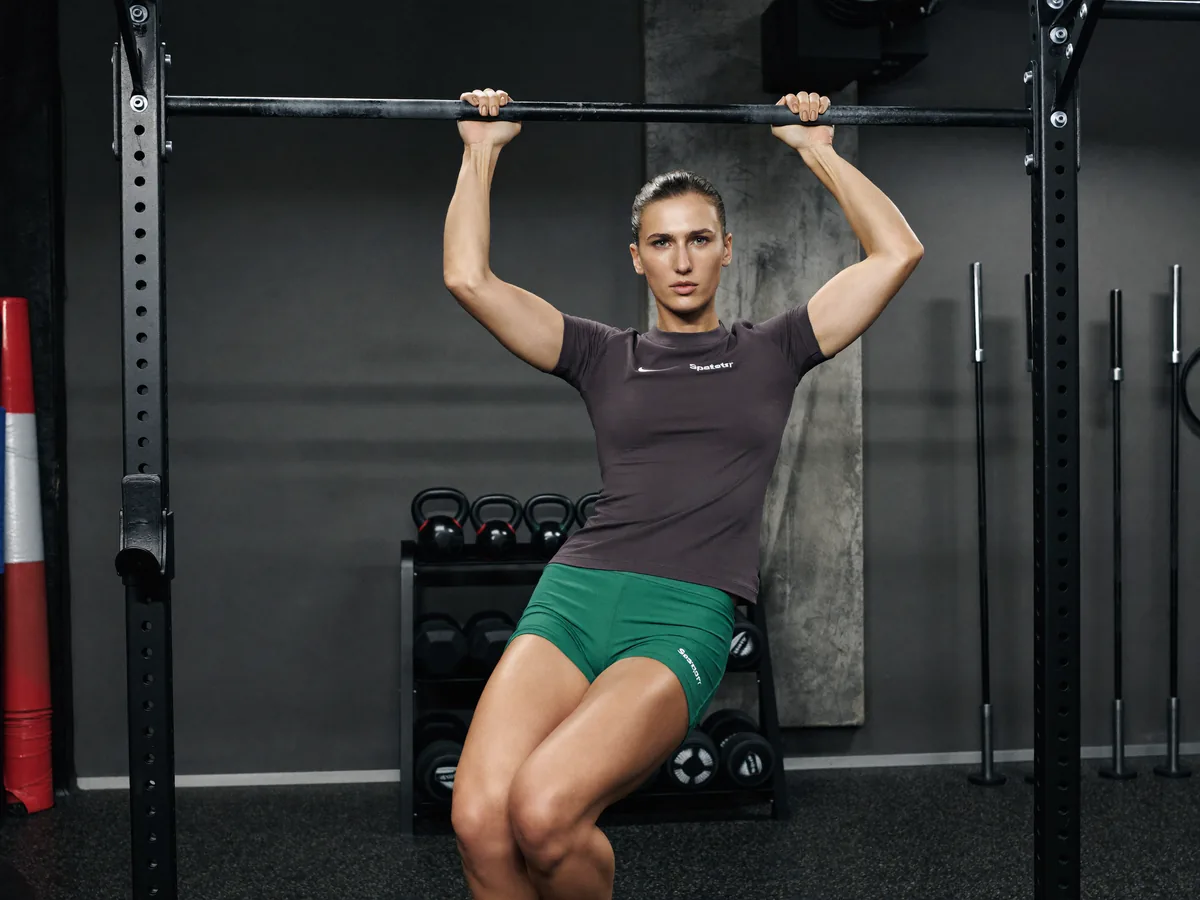
What Spotter checks
What this helps you do
- Count pull-ups, chin-ups, and related vertical pulling variations.
- Separate full reps from partial reps when fatigue shortens the top or bottom range.
- Track bodyweight volume without a wearable or manual counter.
How it works in a real set
Place the camera wide
Frame the upper body and bar area so Spotter can see the full vertical movement.
Pick the variation
Select pull-up, chin-up, or the closest supported bodyweight pull.
Move through full range
The counter works best when the top and bottom positions are clear and repeatable.
Review your volume
Use the final rep count and notes to track weekly bodyweight pulling progress.
Common problems to watch for
Missing full extension
Short bottoms can make the set look longer than the actual full-rep count.
Chin short of the top
Near failure, pull-ups often stop just below the usual completed top position.
Camera too low
A low angle can hide the top of the pull and make completion harder to judge.
Spotter provides training feedback for supported movements; it is not a medical assessment or a substitute for qualified coaching when pain or injury is involved.
Pull-up rep counter questions
Can Spotter count pull-ups?
Yes. Spotter can count pull-up-style reps when the full vertical movement is visible to the camera.
Does it support chin-ups?
Yes, chin-up and grip variations fit the supported pull-up movement family.
Can it detect partial reps?
Spotter uses range and position thresholds to help separate completed reps from partial movement.
Set your phone down. Start lifting.
Try your first workout free — no credit card.